 Vidpop
Autopilot for your social media · iPhone
Set it up once. It posts every week.
Vidpop plans your week, designs the carousels, writes the captions and posts them to Instagram, Facebook and LinkedIn on schedule. On Pro, it also makes a UGC video ad with an AI presenter each week and can post it to TikTok.
 Starter from $8.99/week · 3 days free · iPhone, iOS 17+


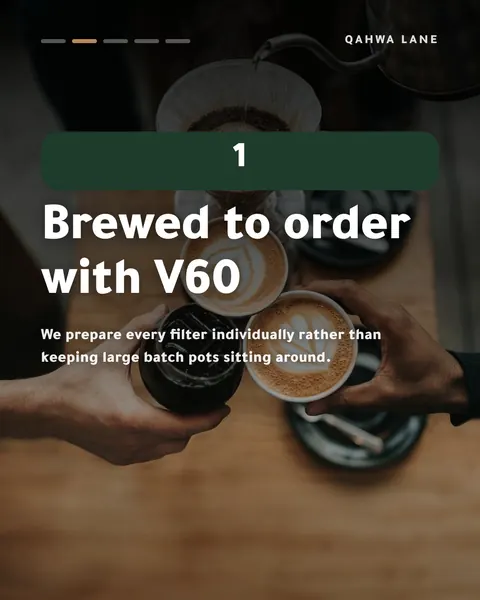
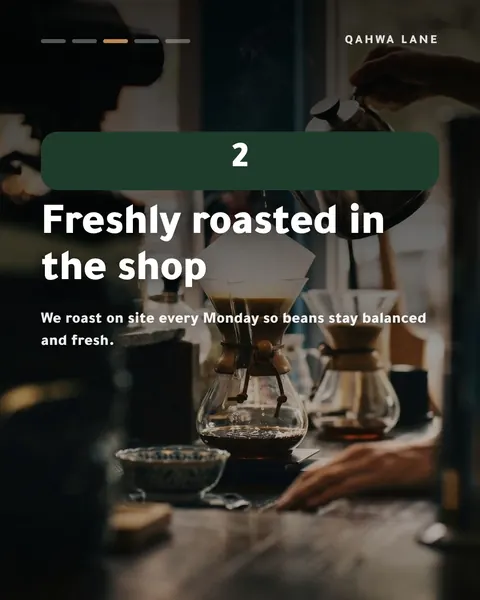
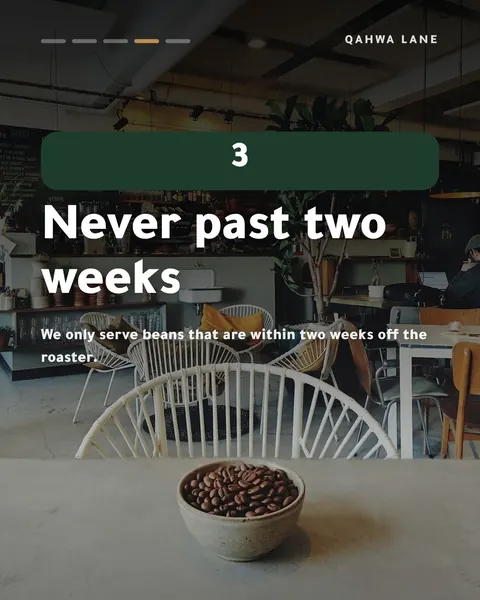


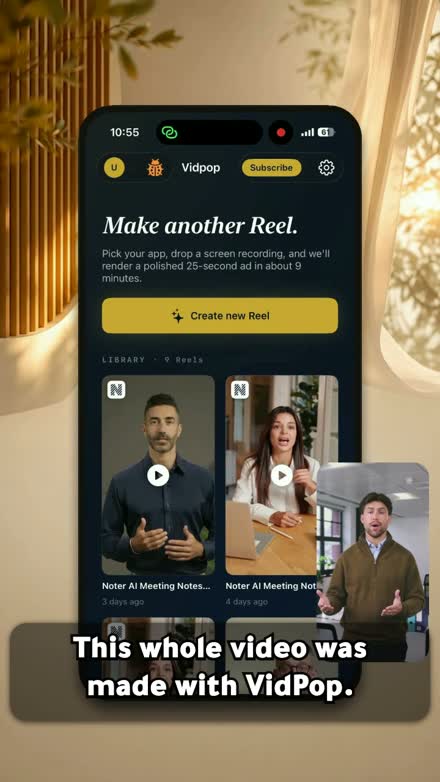
- 3 a week
- Carousels planned for you
- 4 networks
- Instagram, Facebook, LinkedIn, TikTok
- 5–7 slides
- Per carousel, 1080×1350
- 3 days
- Free trial on Starter
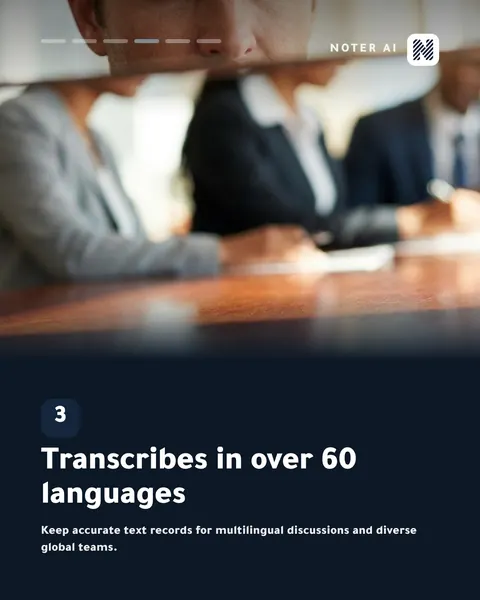
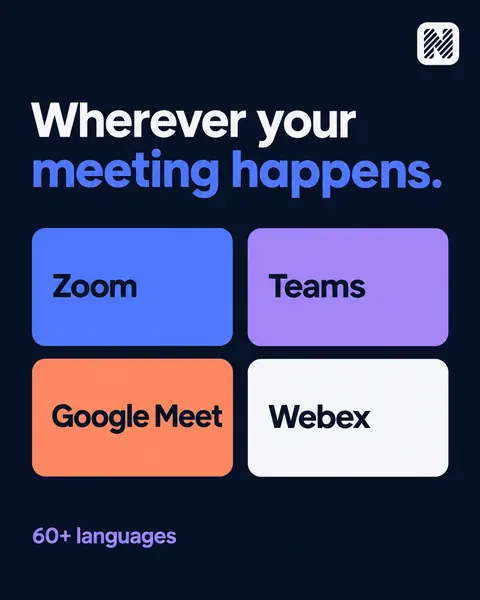
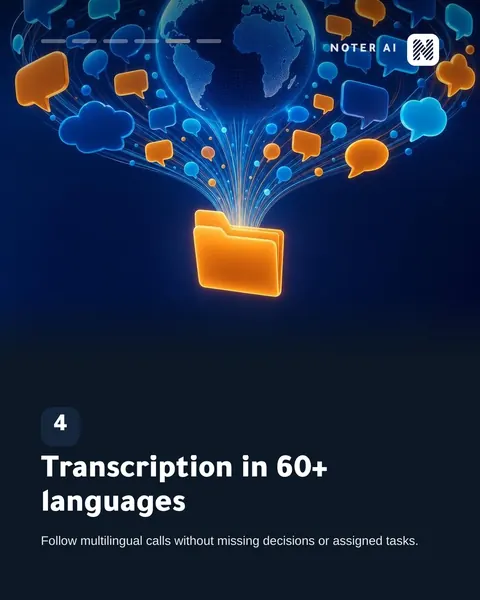
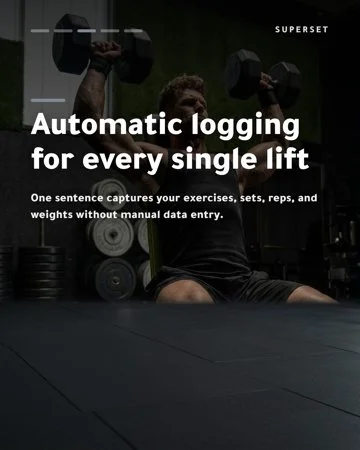
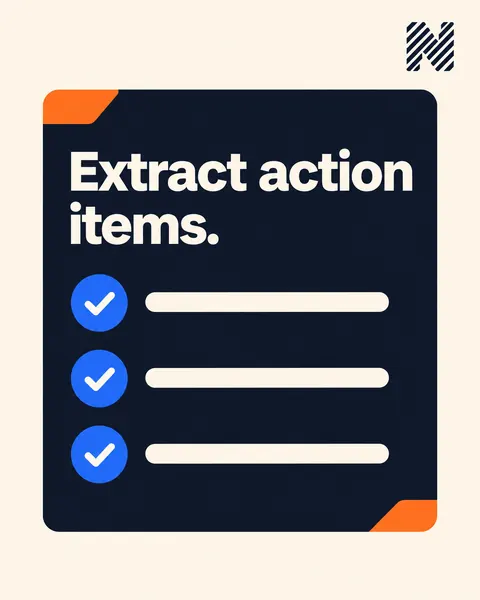
Every post here was made by Vidpop.
For Noter AI and Superset, our own apps, and for Qahwa Lane, the demo café we test with.


- 01
It learns your business
Paste your website or App Store link, or answer 6 short questions and add a few photos.
- 02
It plans and designs the week
3 carousels of 5 to 7 slides, in 8 formats: tips, myth vs fact, steps, FAQ, mistakes, checklists, before and after, and behind the scenes.
- 03
It writes the captions
Every post comes with a caption. Edit it if you want to say it your way.
- 04
You stay in charge
Turn on "Ask me first" and nothing goes out without your OK. Change, re-make or undo any post up to 15 minutes before it's due.
- Tips
- Myth vs fact
- Steps
- FAQ
- Mistakes
- Checklists
- Before and after
- Behind the scenes
Carousels are written in English for now.
Three ways to make a post
Let it run, ask for one, or make a video.
Autopilot
A week of carousels
3 designed carousels land in your calendar every week, captions included, and go out on time.
Create with AI
One post, when you need it
Running a sale on Friday? Describe the post in a sentence and get a caption, an image post or a carousel. Post it now or schedule it.
UGC video · Pro
A presenter-led video ad
An AI presenter talks through your app or product in a vertical video up to 30 seconds, in English or Arabic.
Post for Me
Connect your accounts once. Vidpop does the posting.
Link Instagram, Facebook, LinkedIn and TikTok in the app. Each post goes out at the time on your calendar, or right away if you tap Post now. You sign in through a secure page, so Vidpop never sees your password.
- InstagramCarousels and video. Needs a Business or Creator account.
- FacebookCarousels and video. Needs a Page.
- LinkedInCarousels and video. Posts to a company Page you manage.
- TikTokVideo posts.
TikTok takes video posts, so carousels go to the other three. How Post for Me works
UGC video · Pro
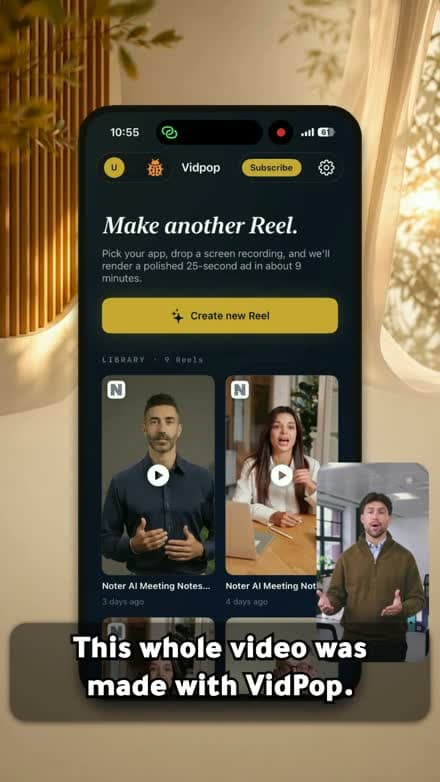
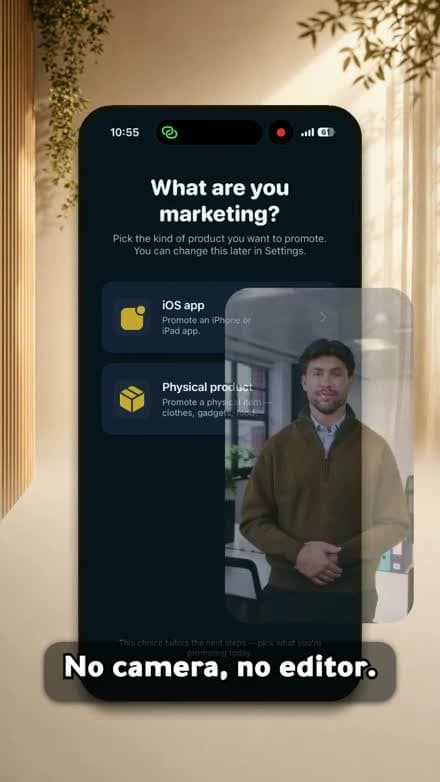
Need a face for your ad? Vidpop makes one.
UGC ads look like a person recommending your product, which is why they work on Reels and TikTok. Pro makes one a week: a presenter, a script written for your app or product, a voiceover and captions, in a 9:16 video up to 30 seconds.
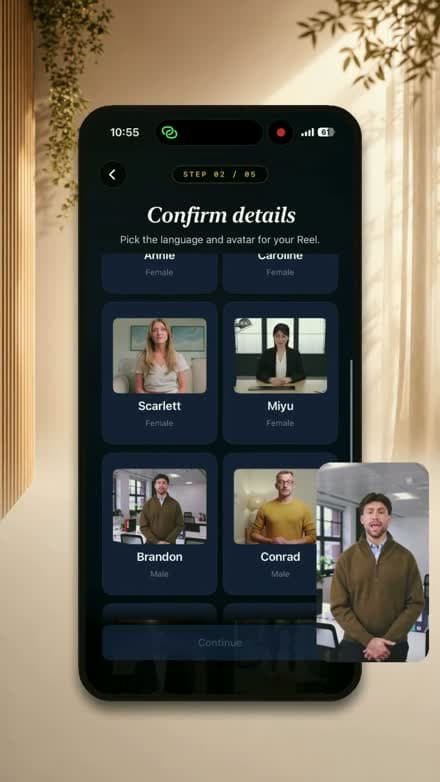
- 11 AI presenters: 10 speak English, 4 speak Arabic
- 17 voices, including Saudi, Kuwaiti, Omani and Egyptian Arabic
- Script, captions, licensed music and an end card, all made for you
- An edit chat to swap the music, voice, presenter or script afterwards
Who it’s for
Anyone who should be posting and isn’t
Local businesses
Cafés, clinics, salons and shops that should post every week and have no one to do it.
App makers
Point Vidpop at your App Store page. It posts about your app while you ship the next update.
Online sellers
Add up to 4 product photos and get carousels and, on Pro, a video ad built around them.
Creators and freelancers
Keep your own accounts active between client jobs without giving up your evenings.
Pricing
Two plans. Pay by the week or the month.
Starter
3 days free$8.99/ week
or $29.99 a month
- 3 Autopilot carousels a week
- 5 Create with AI posts a week
- Post for Me on Instagram, Facebook and LinkedIn
- Approval mode, re-makes and caption edits
Pro
$16.99/ week
or $59.99 a month
- 3 Autopilot carousels a week
- 5 Create with AI posts a week
- 1 UGC video ad a week, plus 1 redo
- Post for Me on all four, including TikTok for video
US App Store prices. They can differ by country, so check the listing for yours. The free trial is on Starter only. Allowances reset each week on the day you subscribed. Vidpop is iPhone only, iOS 17 or later.
Straight answers
What Vidpop does, and how
- What does Vidpop do?
- Vidpop runs your social media from your iPhone. Autopilot plans 3 carousels a week for your business, designs them, writes the captions and posts them to Instagram, Facebook and LinkedIn on schedule. You can also ask for a single post with Create with AI, and on Pro, make a UGC video ad with an AI presenter.
- How does Vidpop know what to post about?
- You give it your website or your App Store link, or answer 6 short questions and add a few photos. Vidpop works out what you sell and who it is for, then plans the week around that. You can steer the next week with a note, keep or pass on post ideas, and ask for more posts like one you liked.
- Do I have to approve every post?
- Only if you want to. Turn on "Ask me first" and nothing goes out until you approve it. Leave it off and Autopilot posts at the scheduled time. Either way you can change a post up to 15 minutes before it goes out, re-make it, or go back to the earlier version. Your first week always waits for your approval.
- Which social networks does it post to?
- Instagram, Facebook, LinkedIn and TikTok. Instagram needs a Business or Creator account, Facebook needs a Page, and LinkedIn posts to a company Page you manage. TikTok takes video posts, so carousels go to the other three. You connect each account through a secure sign-in, and Vidpop never sees your password.
- What does Vidpop cost?
- Starter is $8.99 a week or $29.99 a month, with a 3-day free trial. It includes 3 Autopilot carousels and 5 Create with AI posts a week. Pro is $16.99 a week or $59.99 a month and adds 1 UGC video ad a week plus a redo. Prices are for the US App Store and can differ by country.
- Does Vidpop support Arabic?
- Videos, yes. UGC video scripts, voiceovers and captions can be in Arabic, with 7 Arabic voices in Saudi, Kuwaiti, Omani and Egyptian accents, and captions that join and read right to left properly. Carousels and captions for Autopilot are written in English for now.
- What devices does Vidpop run on?
- Vidpop is an iPhone app and needs iOS 17 or later. There is no iPad-native version, no Android app and no web app.
Your next week of posts, already planned.
Download Vidpop, tell it about your business and look over the week it plans. Starter is free for 3 days.